
NovaWriter
Project Details
Project Overview
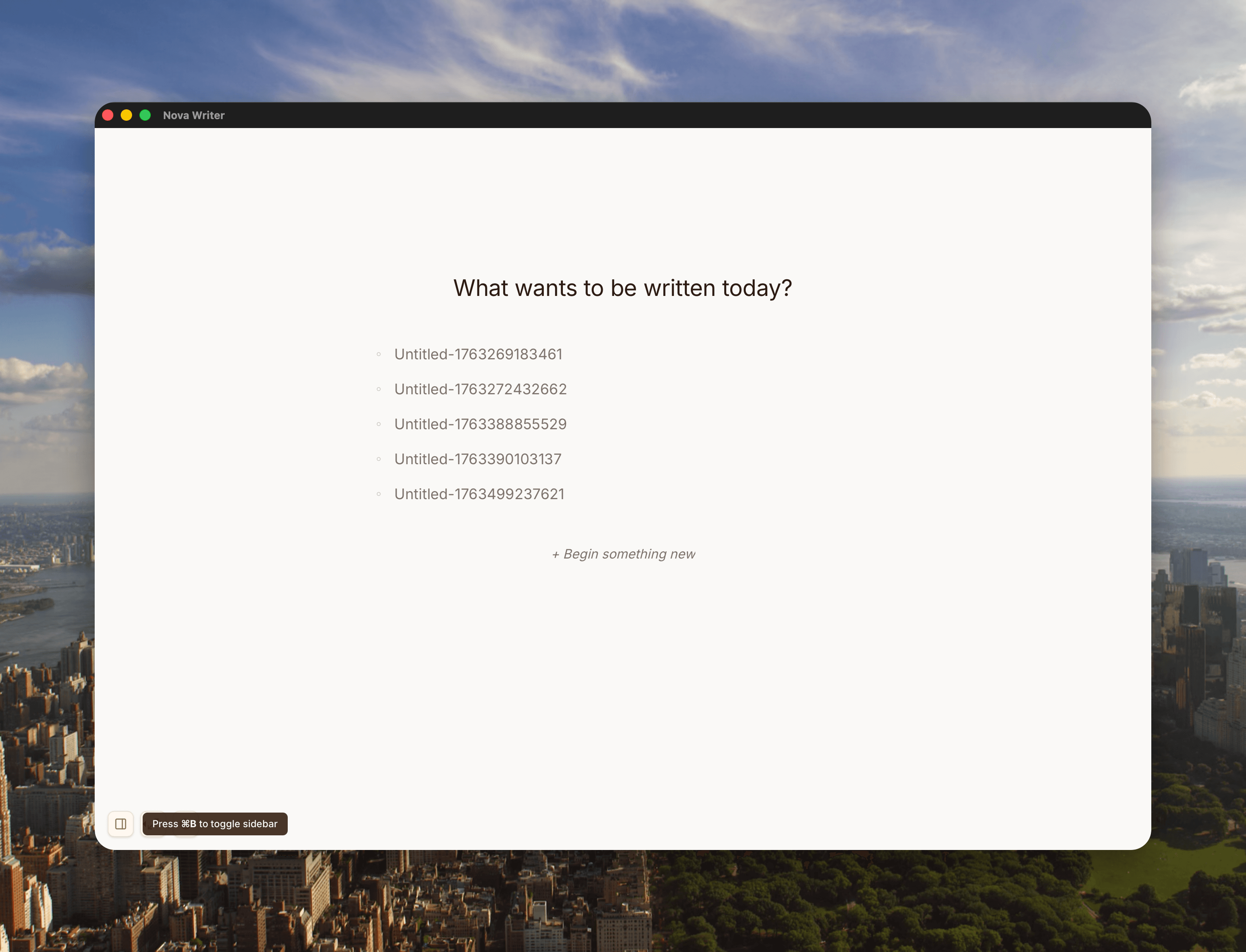
NovaWriter reimagines the writing application as a creative partner rather than a productivity tool. Built on Tauri 2.0 with a Rust backend and Next.js frontend, it features local AI integration via Ollama, auto-save, circadian color system, and a minimal design that whispers rather than shouts.
Mission Statement
Create an interface that gets out of the way and lets the artist's true voice emerge. The app should feel alive, not mechanical - asking questions instead of providing answers, breathing instead of spinning, whispering instead of shouting.
Philosophy
Inspired by Rick Rubin's The Creative Act, NovaWriter treats AI as a muse that provokes thinking rather than an assistant that completes tasks. The interface uses natural language, gentle animations, and time-aware colors that shift like natural light throughout the day.
Design Principles
- Questions over answers - AI asks 'What if...' instead of completing sentences
- Whisper over shout - Interface fades to 60% opacity, no bold colors
- Time-aware - Colors shift naturally with circadian rhythm
- Local-first - All AI processing on device, no cloud dependency
- Breathing over spinning - Organic animations that feel alive
- Natural language - Poetic naming that invites rather than instructs
Technical architecture & key decisions
Core Technology Stack
- - Tauri 2.0 - Native desktop framework
- - Rust - High-performance backend
- - Next.js 13 - Modern React framework
- - TypeScript - Type-safe development
- - TipTap - Extensible rich text editor
- - Ollama - Local AI inference
- - TailwindCSS - Utility-first styling
Development Phases
- • File system operations
- • Auto-save with 1.5s debounce
- • TipTap editor integration
- • 8-token color palette (bg, text, accent, whisper, sidebar, border, muted, hover)
- • CircadianProvider with 2s transitions
- • Dawn/Day/Dusk/Night presets
- • Editor chrome transformation (EditorWhisper)
- • File tree with circadian colors
- • All modals and overlays
- • 5 muse commands with prompt engineering
- • MuseCard component with auto-fade
- • MuseThinking with breathing animation